These settings apply to XCM 2015 only.
Manually Clear Cache When XCM Screens Display Outdated Data
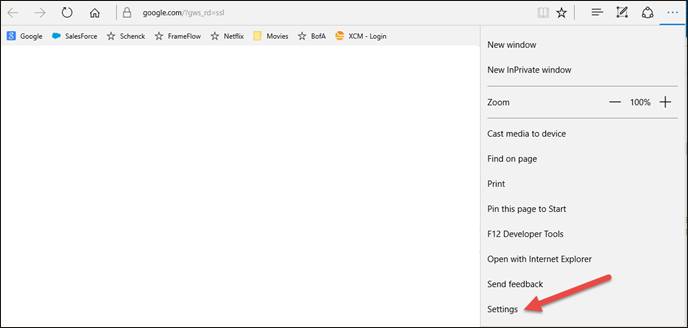
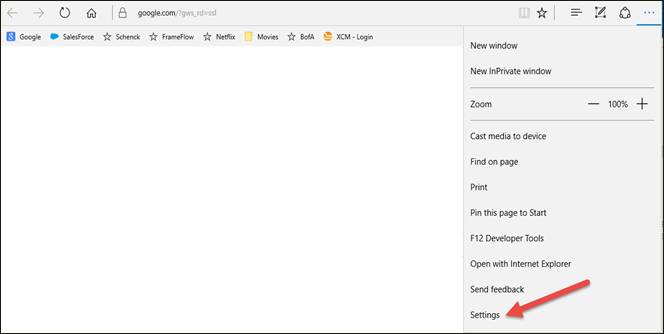
From the main Edge screen, click the 3-dot icon in the upper right. From the menu that appears, scroll down and click the Settings button.
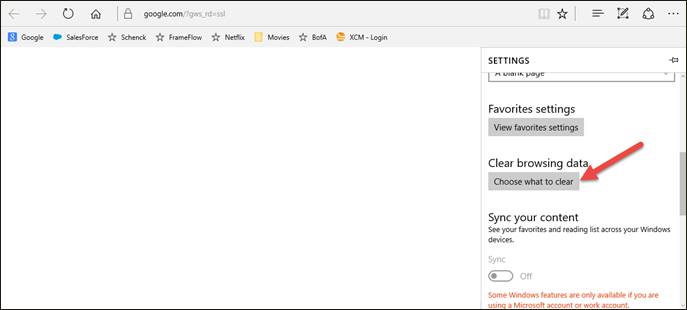
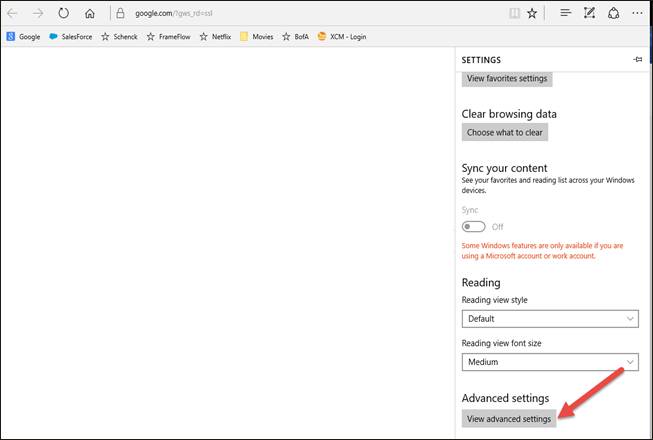
On the Settings screen, scroll down and, under Clear Browsing data, click the Choose what to clear button.
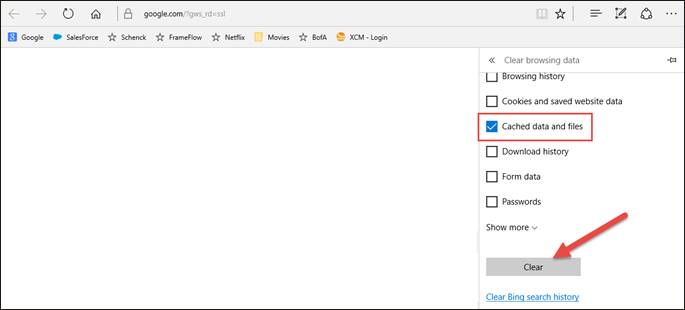
Check the box next to Cached data and files, and then click the Clear button.
Enable All Pop-ups
From the main Edge screen, click the 3-dot icon in the upper right. From the menu that appears, scroll down and click the Settings button.
On the Settings screen, scroll down and click the View Advanced Settings button.
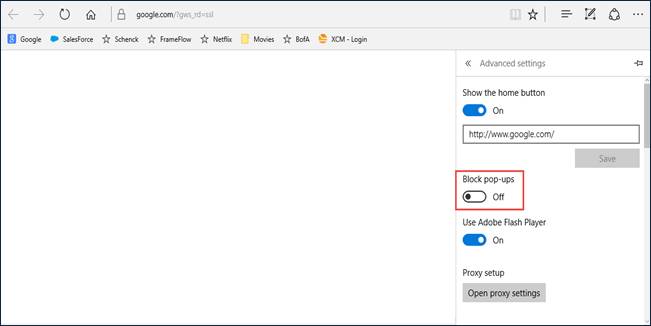
On the Advanced Settings screen, turn the Block pop-ups switch to off (it will display Off when done).