Safari is supported only on Apple/Mac systems and XCM 2015.
Manually Clear Cache When XCM Screens Display Outdated Data
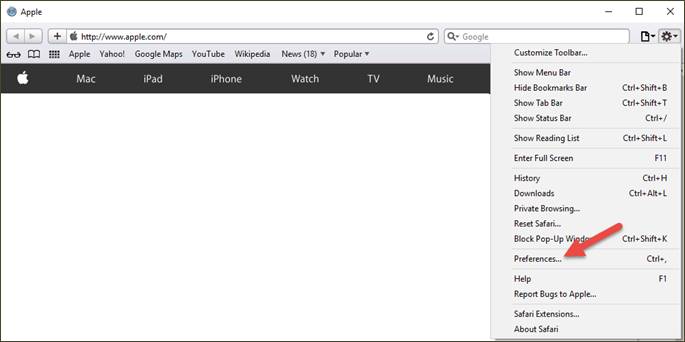
Open Safari. Click the configuration icon (gear) in the upper right-hand corner and then click the Preferences selection.
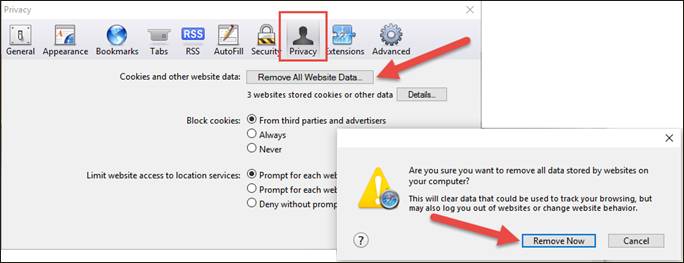
On the screen that appears, click the Privacy header, click the Remove All Website Data button, and then click the Remove Now button. Return to the main Safari screen.
Enable All Pop-ups
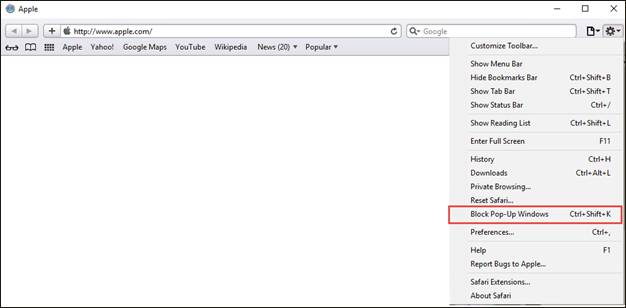
From the main Safari screen, click the configuration icon (gear). From the menu that appears, uncheck the Block Pop-Up Windows selection.
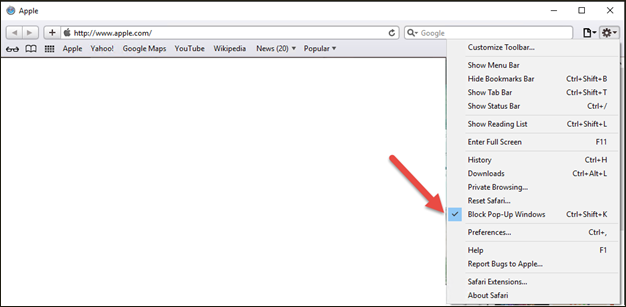
The check mark will no longer be displayed, signifying that pop-ups are no longer blocked.